November 18, 2026
From Idea to Working App: How Professionals Build AI Applications
By @practicalainotes
What Does It Take to Build a Simple AI App?
Building an AI application sounds like a task reserved for engineers with years of machine learning experience. Yet the landscape has shifted. With modern tools and structured training, professionals from non-technical backgrounds can design, test, and deploy a simple generative AI application in a matter of days. The process follows a clear set of stages: defining what the app should do, constructing its interface and logic, testing it thoroughly, and finally putting it into production. Understanding these stages helps anyone evaluate whether building an AI tool is feasible for their own work.
Starting with a Clear Goal
Every AI app begins with a problem. The most common mistake is to start coding without a precise idea of what the app should accomplish. A good starting point is to write down the core task: "This app will help customer service agents draft replies to common complaints" or "This app will generate lesson summaries for students." The goal needs to be narrow enough that you can test it in a single session. If the idea is too broad, you will spend too long adjusting the logic later.
Once the goal is clear, the next step is to decide what kind of AI model the app will use. For generative AI applications, the model is typically a large language model (LLM) like GPT or a local open-weight equivalent. The choice of model affects cost, speed, and the quality of the output. For a prototype, a hosted model accessed via an application programming interface (API) is the fastest route. You do not need to train a model from scratch; you only need to configure how the model behaves inside your app.
Designing the User Interface and Prompt Logic
The user interface (UI) is what a person sees and interacts with. For a simple generative AI app, the UI could be a single text box and a submit button. More complex apps might include dropdown menus, file uploaders, or a chat window. The key is to keep the interface minimal for the first version. Adding too many features before you know whether the core logic works wastes time.
Underneath the interface lies the prompt logic. This is the set of instructions that tells the AI model what to do with the user's input. Writing a good prompt is an art in itself. The prompt should be specific about the tone, length, and format of the response. For instance, a prompt for a lesson summary app might say: "You are a helpful teaching assistant. Summarise the following text in three bullet points suitable for a secondary school student. Use simple language." The prompt can also include examples of good and bad outputs, a technique called few-shot prompting. The prompt logic is where most of the app's intelligence lives, and it is also where things can go wrong.

Some teams use a technique known as vibe coding, where they run the app early with placeholder data and adjust the prompt based on the feel of the output. Vibe coding is useful for iterating quickly, but it should not replace structured testing. You need to know what the app should output for a given input before you can judge whether the output is correct.
Building the App Workflow
The app workflow connects the user interface, the prompt logic, and any external data sources. For a simple generative AI app, the workflow looks like this: the user types a question, the app sends the question plus the prompt to the AI model, the model returns a response, and the app displays that response to the user. If the app needs to pull information from a database or a website, that adds extra steps. The workflow should be drawn as a diagram on paper or a whiteboard before any code is written. This diagram is sometimes called a software requirements sketch. It helps everyone on the team see where data flows and where errors might occur.
During this stage, the developer (or the person learning to build the app) writes the code that ties everything together. For a two-day course, the code is usually written in Python or JavaScript using libraries that simplify calls to the AI model. Many modern tools let you build the workflow with drag-and-drop blocks, reducing the need to write complex code. The output of this stage is a working prototype that can be run on a local machine. The prototype may not be pretty, but it should perform the core function reliably.
Testing: The Stage That Saves You Later
Testing an AI app is different from testing a traditional software application. In a traditional app, you know what the correct output should be for each input. An AI app can generate many plausible answers for the same question. The goal of testing is not to check for a single correct answer, but to check that the answers are sensible, safe, and useful.
Start by testing the app with inputs that cover the range of scenarios you expect. If the app is meant to handle customer complaints, test with a polite complaint, an angry complaint, and a very short complaint. Write down the outputs and compare them against your expectations. Look for hallucinations - places where the model invents facts or names. Look for off-topic responses, overly long answers, or answers that repeat themselves. If the app uses a prompt that includes examples, test what happens when the user input is very different from those examples.
Testing also involves checking for edge cases. What happens if the user submits an empty input? What if the input is a long block of text that exceeds the model's token limit? The app should handle these gracefully, either by showing an error message or by truncating the input automatically. A good rule is to test with five to ten different inputs and adjust the prompt logic after each test. This iterative process is where you develop practical AI app development skills that apply to any future project.
Once the app passes your manual tests, you can run a small batch of automated tests. Automated tests send a set of pre-written inputs to the app and check that the output contains certain keywords or does not contain certain forbidden words. For example, an automated test for a customer service app might check that the word "apologise" appears in every output. Automated tests do not catch everything, but they give you confidence that the app is not producing obviously bad results.
Deployment: Making the App Available
Deployment is the stage where the prototype becomes accessible to real users. For a simple generative AI app, deployment often means moving the code from a local machine to a cloud server or a platform that hosts applications. Many platforms offer free tiers that are enough for a small user base. The deployment process usually involves uploading the code, setting environment variables (like the API key for the AI model), and configuring a web address.
Before you deploy, you need to think about security. The API key must be kept secret. The app should not expose the prompt or the model's raw response in a way that could be exploited. If the app allows users to upload files, those files should be scanned for malicious content. Many simple apps skip these precautions for a prototype, but a production app should include them. For a classroom project or a proof-of-concept, a basic level of security is acceptable as long as the app does not handle sensitive data.
After deployment, monitor the app for a few days. Check the logs to see if users are encountering errors. Ask a colleague to try the app and give feedback. The feedback will almost always lead to small tweaks in the prompt logic or the UI. This is normal. The first deployed version is rarely the final version.
What This Means for the Reader
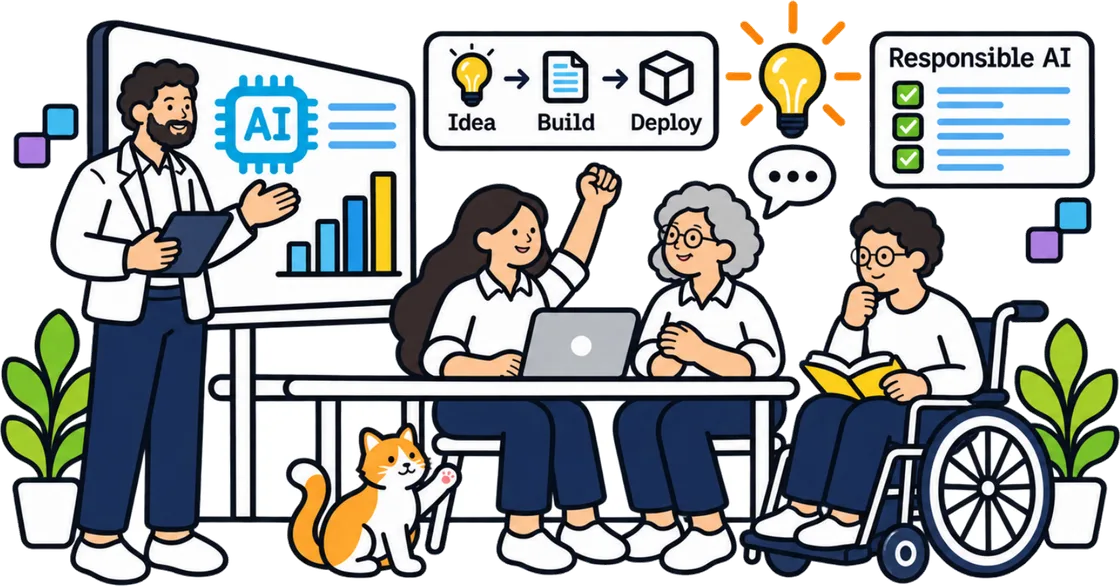
Understanding these stages changes how you approach AI app development training. Instead of feeling overwhelmed by the technical details, you can see that the process is a series of manageable steps: define, prototype, test, deploy. Each step builds on the one before it. The hardest part is often not the coding, but the clarity of the goal and the quality of the testing.

For a professional who wants to build a simple tool for their team, the most valuable investment is not in learning every AI model architecture. It is in learning how to specify requirements, write effective prompts, and test systematically. These practical AI app development skills transfer across tools and models. Whether you use a hosted API or a local model, whether you build a chatbot or a content generator, the same stages apply. The two-day classroom format that many training programs offer is designed to compress these stages into a hands-on experience. By the end of the program, participants have a working application prototype they can show to colleagues and iterate on further.
The field is moving fast, but the fundamentals remain steady. Start with a small, well-defined problem. Build the simplest thing that could work. Test it with real inputs. Then deploy it and learn from real use. That cycle is the core of AI app development training, and it is within reach of any professional willing to try.
❧